Show your ID in a flash with BankID app
As long as you have your phone with you, you have your ID with you. Confirm your age – quickly, easily and securely.
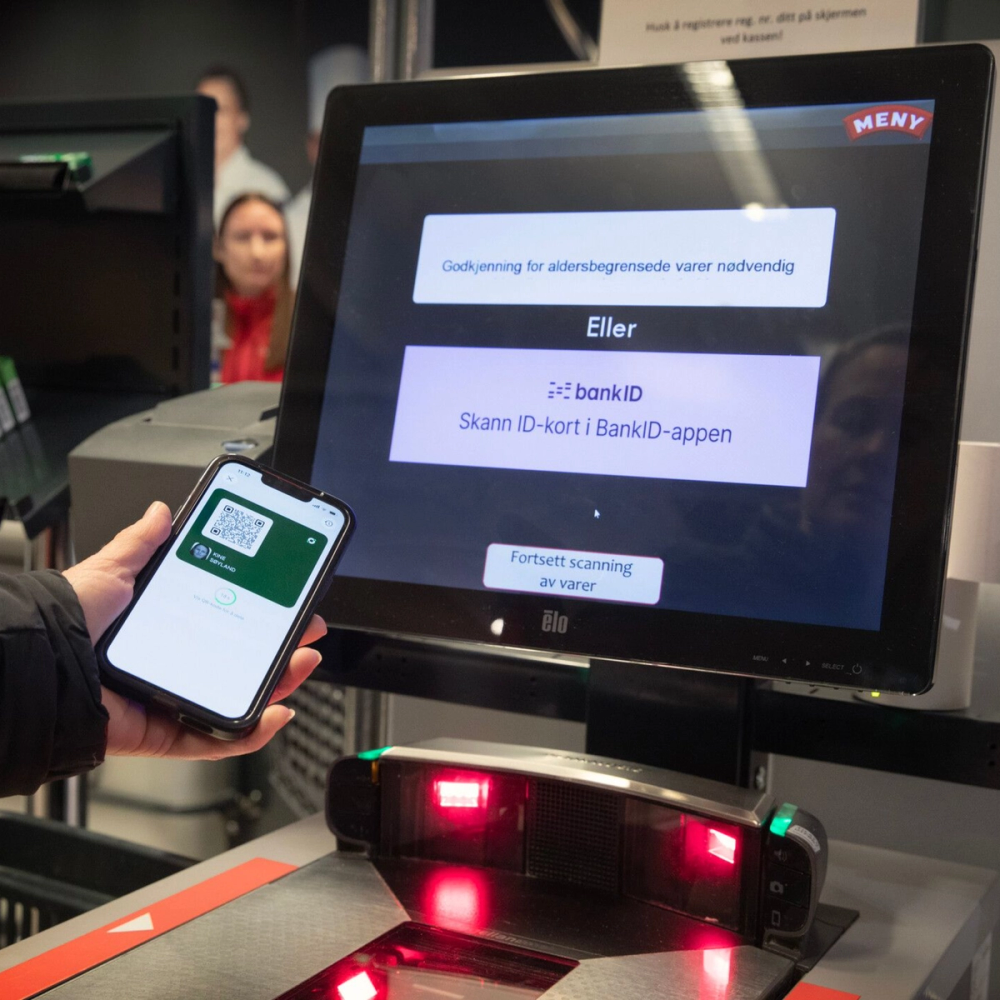
Approved by Norway's leading stores
How to get started
The ID card must be activated
Make sure you have the latest version of the BankID app downloaded on your phone. Then your ID card will be ready for activation.
Scan the passport or national ID card
To activate the ID card, you must have a Norwegian passport or national ID card. When you scan it, we link it to your BankID. Completely safe.
Tap the ID card to display the QR code
Once your ID card is activated, you just need to tap it in the app to generate a QR code you can scan.
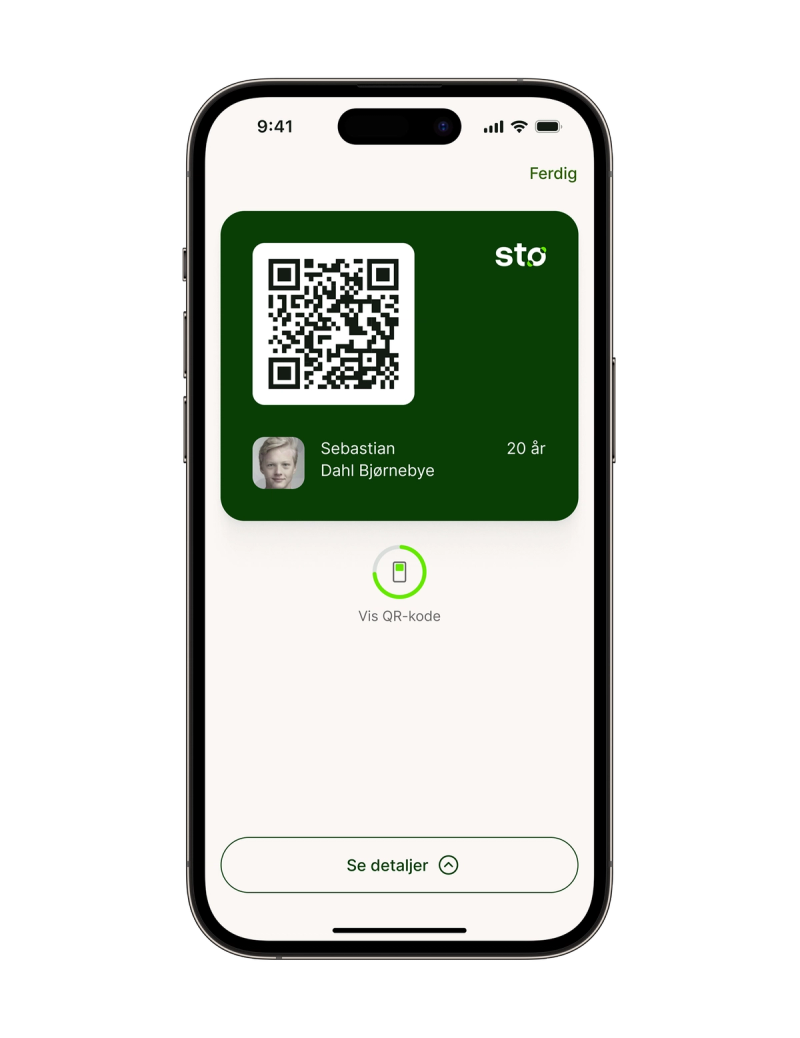
Never share more than you have to
The store doesn’t need to know when you were born. They only need to know that you’re old enough. That’s all they get. The rest is yours. You have full control, and you can see all history in the app.
Questions and answers
You activate the ID card by following these steps:
1. You must have installed and activated the BankID app in its latest version.
2. Open the app and go through the activation process.
3. You must have a valid Norwegian passport or national ID card in order to activate
Yes, you can find an overview of where you have used the service and which data was shown to the merchant under “See details” in the app.
We have a customer service line that handles inquiries about ID cards in the BankID app. Your number is +47 23 11 82 55. You can also find the number in the BankID app, under the ID card, by tapping “View details”, then “Settings” – then “Help and customer service”.